AutoCAD, created by Autodesk, is among the most widely used computer-aided design (CAD) software globally. With more than 40 years of evolution, AutoCAD assists designers, architects, and engineers in producing precise 2D technical drawings and 3D models.
- 2D and 3D Design: AutoCAD facilitates the creation of intricate engineering drawings with exceptional precision, ranging from basic 2D illustrations to sophisticated 3D models. Features such as Layer, Dimension, and Block enhance the efficiency of the design process.
- Calculation and simulation: The software offers automated calculations of area, volume, and material quantities needed, thereby facilitating efficient project management.
- Customize the interface: Users have the ability to personalize the ribbon, adjust keyboard shortcuts, and incorporate plugins from the Autodesk App Store to meet individual or industry-specific requirements.
Tekla Structures

Tekla Structures, developed by Trimble, is a premier Building Information Modeling (BIM) software specializing in 3D structural design and management, particularly for steel and concrete projects. It’s widely adopted by engineers, contractors, and fabricators due to its ability to create accurate models and integrate construction workflows.
Key Features of Tekla Structures:
- Detailed 3D Modeling: Supports high-precision design of steel structures, reinforced concrete, and other materials, from conceptual drawings to fabrication.
- Automation: Automates the creation of shop drawings, Bills of Material (BOMs), NC files, and clash detection, saving significant time.
- Structural Analysis Integration: Integrates with analysis software like CSI SAP2000 for stress, stability, and fatigue analysis, aiding design optimization.
- Flexible Customization: Users can customize steel connections or create custom components to suit specific project requirements.
- Clash Detection: 3D simulation helps users easily identify potential clashes during the erection process.
Software Comparison: AutoCAD vs. Tekla Structures
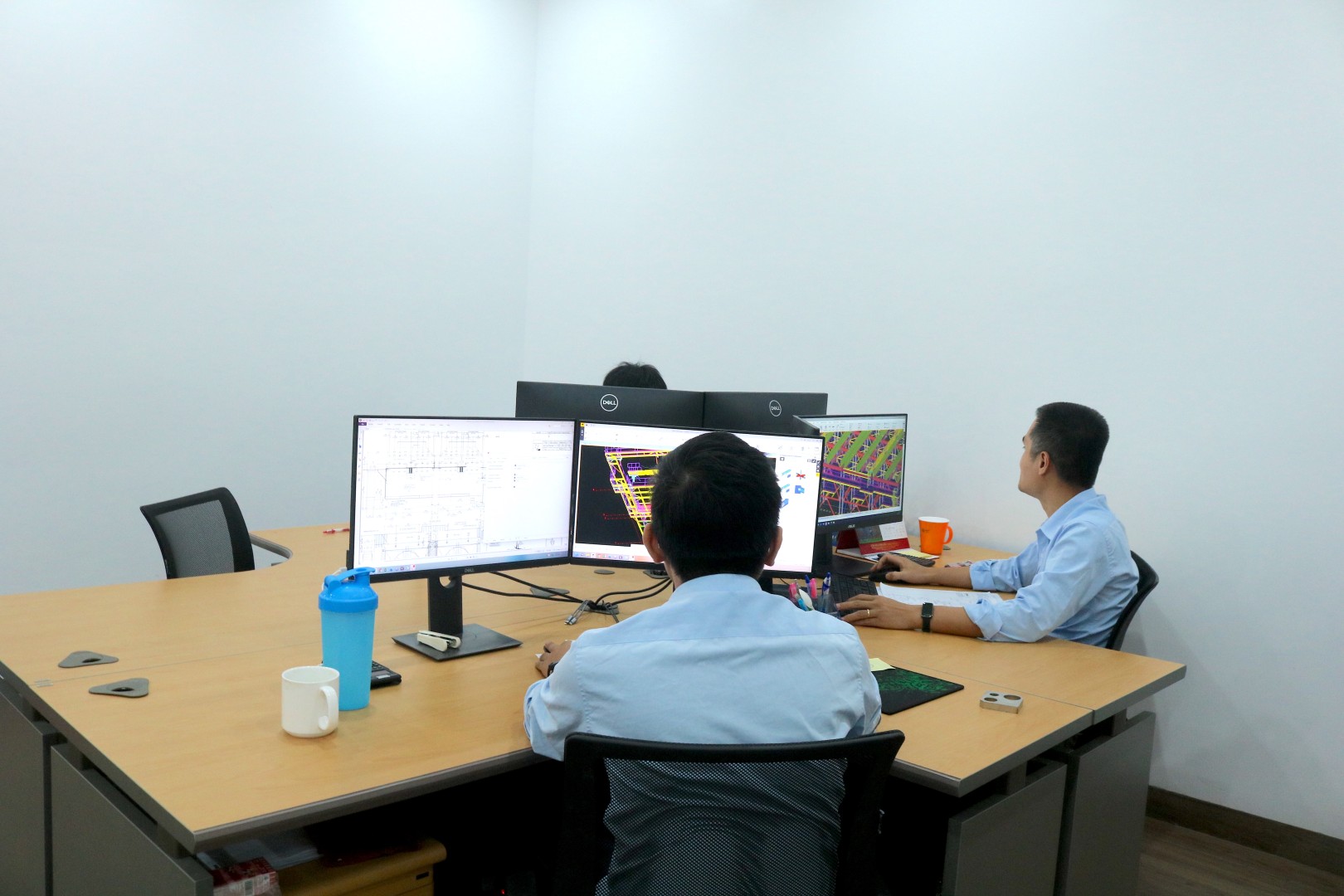
Here’s a comparison of AutoCAD and Tekla Structures, focusing on key functionalities and applications:
Drawing Management and Material List Generation
AutoCAD:
- Layer Management: AutoCAD supports organizing drawings into multiple layers, making it easy to edit and control individual components.
- Manual Material Lists: Generating material lists and numbering details is a manual process, leading to potential errors and control difficulties.
- Storage and Sharing: Drawings can be saved in DWG format, exported to PDF, or uploaded to the cloud via Autodesk Docs, facilitating team collaboration.
- Change Tracking: The Activity Insights feature records editing history, supporting version control and minimizing errors during work.
Tekla Structures:
- Drawing List Management: Allows for organizing, editing, and printing various drawing types such as assembly, single part, and general arrangement (GA) drawings.
- Automated Material Lists: Automatically numbers parts and easily exports material lists, significantly reducing errors.
- Automatic Updates: 2D drawings automatically synchronize with the 3D model when changes occur, reducing discrepancies.
- Sharing and Collaboration: Supports exporting files to IFC format or integrating with Trimble Connect for cloud-based management and sharing.
Cost
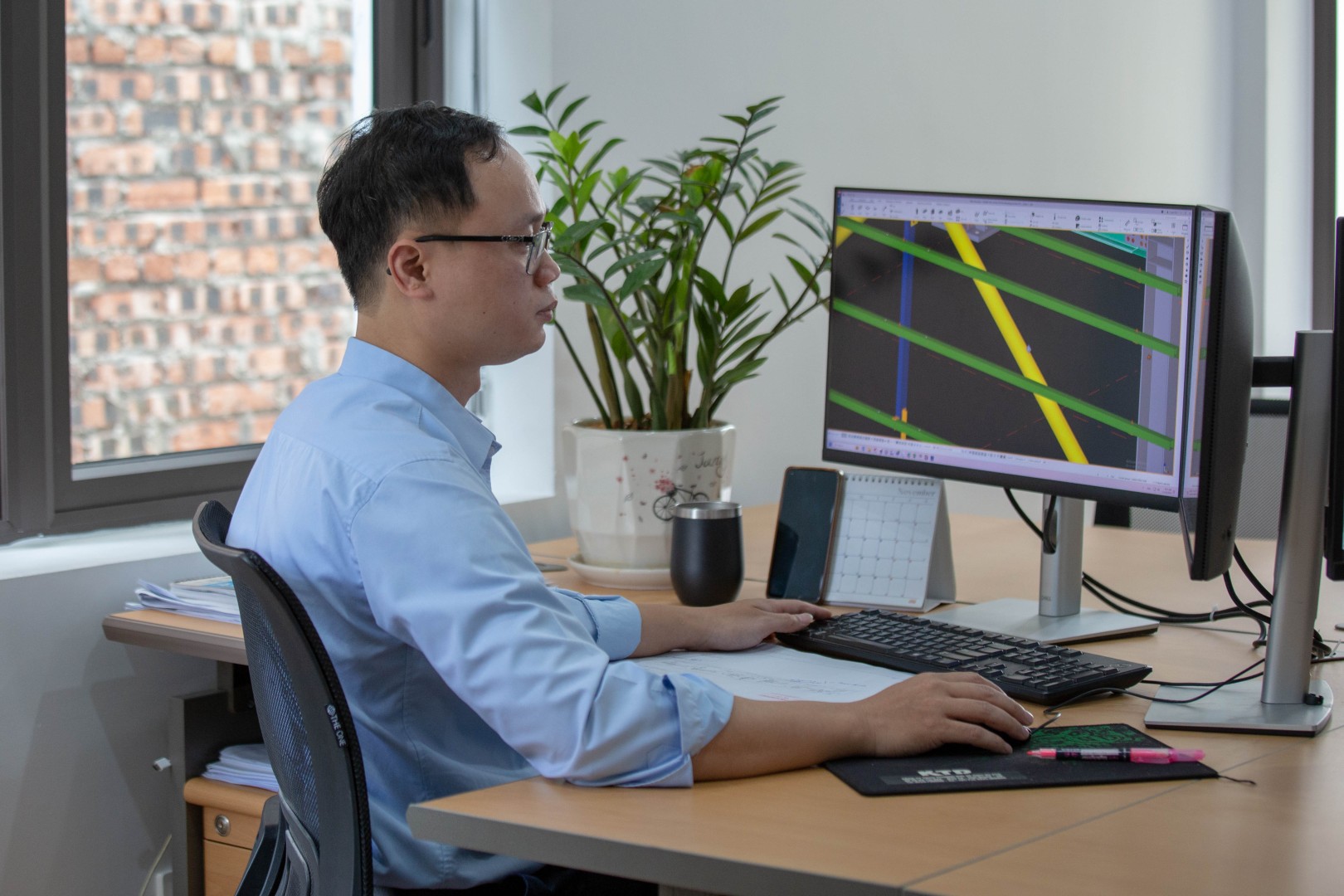
AutoCAD:
AutoCAD does not offer a free version, but Autodesk provides flexible subscription options:
- Basic Plan: Approximately $235/month or $1,865/year (estimated based on the international market).
- Professional Plan: Includes industry-specific toolsets like AutoCAD Architecture or Mechanical, with higher costs depending on needs.
- Student and Educator Discounts: Free educational versions are available for a limited time, requiring registration through the official Autodesk website.
Tekla Structures:
Tekla Structures does not offer a free version but has subscription plans:
- Basic Plans (Carbon/Graphite): Approximately $3,000 – $5,000/year, depending on features (estimated based on the international market).
- Diamond Plan: Full-featured, approximately $7,500/year, suitable for detailing and fabrication.
- Educational Version: Free for students via Tekla Campus, but with limited functionality and usage time. Costs may vary by region, and users should contact a distributor like Konia Group for precise quotes.
AI Integration Capabilities

AutoCAD:
- As of AutoCAD 2025, Autodesk has integrated AI through Autodesk Assistant.
Tekla Structures:
- Tekla Structures has integrated AI directly as a virtual assistant.
- Intelligent Automation: Tools such as automatic clash detection and optimized layout suggestions are based on model data.
- BIM 4D/5D Support: Simulates construction schedules and manages costs based on the 3D model, leading to enhanced project efficiency.
How VHE Applies Software for Design Efficiency

To optimize design efficiency, VHE employs a combined strategy of using AutoCAD and Tekla Structures, leveraging the strengths of each software at different project stages.
- Initial Concept and Sketching Phase: AutoCAD is used for quick 2D drafting of ideas, overall layout diagrams, and basic details. This facilitates rapid conversion of ideas into initial technical drawings.
- Detailed Design and 3D Modeling Phase: Once concepts are approved, the engineering team transitions to Tekla Structures to build a detailed 3D model of the entire machine structure or product. Every detail, weld, and hole is precisely modeled.
- Fabrication Drawing Export and Information Management: From the 3D model in Tekla, we automatically generate a range of detailed fabrication drawings, Bills of Material (BOMs), and necessary reports for machining and installation.
- Review and Optimization: Tekla Structures’ clash detection feature is used to identify and resolve any potential design issues before production. This saves time, cost and mitigates risks during construction.
- Collaboration and Exchange: Although Tekla Structures is the primary tool for 3D modeling, we still use AutoCAD to share basic 2D drawings with stakeholders who don’t use Tekla, ensuring seamless communication.
Conclusion

The proficient application and effective combination of AutoCAD and Tekla Structures are key to VHE’s ability to produce high-quality technical designs for machinery and industrial products. We not only provide drawings but also deliver optimized design solutions, ensuring accuracy, efficiency, and safety for every project. With continuous investment in technology and human capital, VHE is committed to remaining a trusted partner, contributing to the development of Vietnam’s industry.